


You already know short-form video works. The problem is that one person, or even a small team, can’t shoot, edit, caption, and post enough clips to satisfy TikTok, Reels, and Shorts at the same time.
The fix is not more hours. It’s a production system that uses AI at each bottleneck: repurposing, UGC-style creation, captioning, and publishing, so a small team can output what used to take a full crew.
This post walks through nine steps for short form video content, with the specific thresholds (clips per recording, when to test a hook, when to retire a format) that make the system run instead of just sound good on a slide.
Repurpose one long recording into a week of clips
A single webinar, podcast, or livestream is a raw material problem hiding in plain sight. AI editing tools that auto-detect key moments can cut a 30 minute recording into 15 to 60 second segments without you scrubbing through the timeline by hand.
Aim for one clip per distinct point. A 30 minute recording with 8 to 10 separate ideas should yield 8 to 10 short videos, not one highlight reel.
Have the tool auto-caption and reframe each clip to vertical 9:16 so it lands ready for TikTok, Reels, and Shorts without a manual crop pass.
Generate UGC-style videos without booking a creator
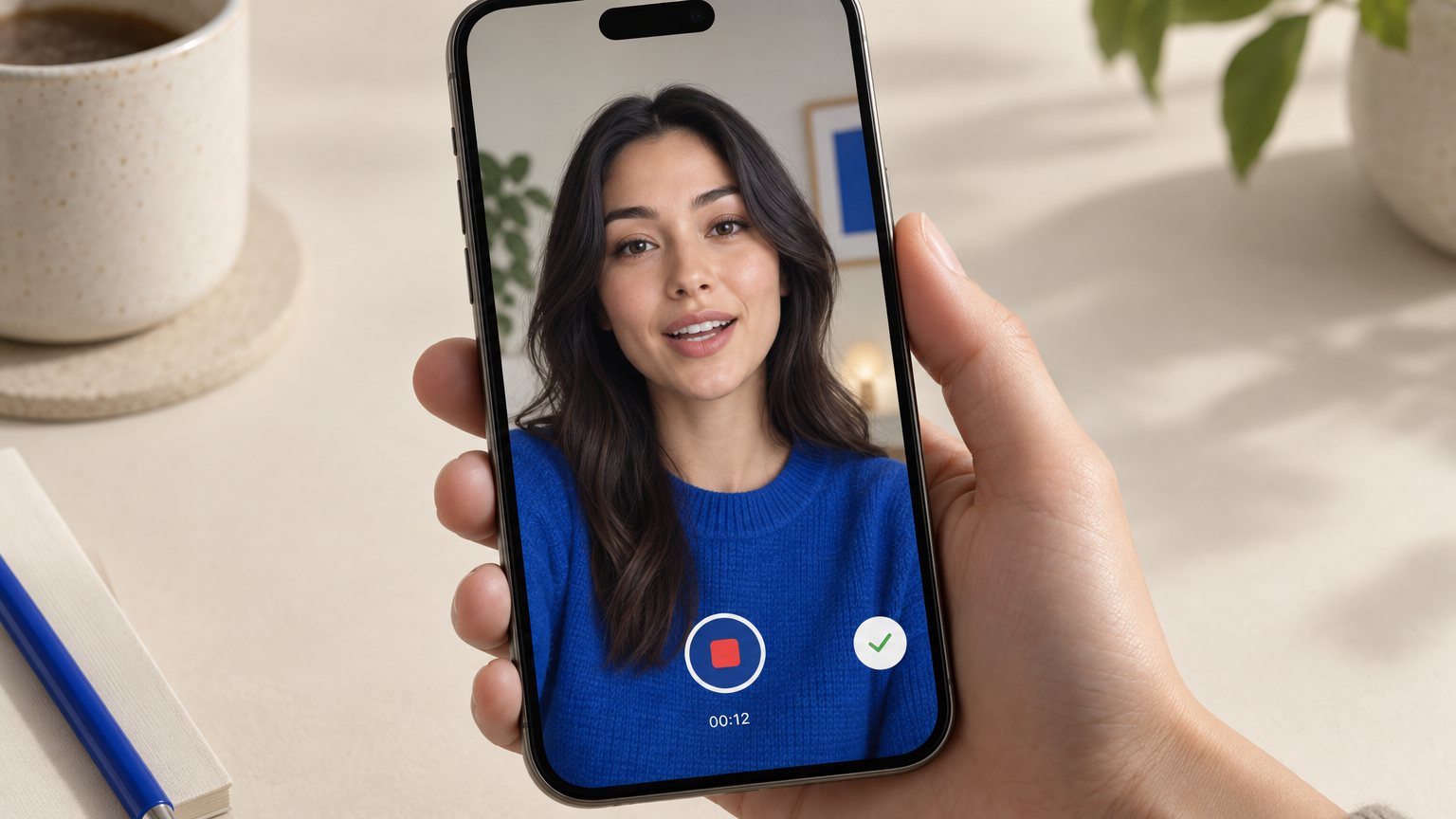
Booking a creator, shipping product, and waiting for a shoot date is the slowest part of most content calendars. AI avatar and voice tools now produce testimonial-style clips without any of that, using a script and a product photo to generate a talking video with the casual, handheld feel of real UGC.
Use this to test claims fast. Run 3 to 5 script variations before you commit budget to a paid creator shoot, so you know which angle lands before you spend on production.
This doesn’t replace every creator relationship. It replaces the ones you were only booking to validate a message.
Turn product photos into scroll-stopping video ads
If you have a product catalog or an old photo shoot but no video assets, you don’t need a new shoot to get moving. Upload the existing photography and let an AI animation tool add motion, zoom, and text overlays to turn a still image into a short video ad.
This works best when video assets are the gap, not creative direction. You already know what the product looks like; you just need it moving.
Pair each animated clip with one call to action. Stacking two or three offers into a 20 second clip usually means the viewer acts on none of them.
Build slideshow videos for drops and catalog pushes

Not every product moment needs a full video shoot. A slideshow video, built from 5 to 10 images with transitions, music, and text, fits a catalog drop, a before-and-after set, or a seasonal bundle where the cost of a shoot doesn’t match the size of the moment.
Use this format when the math doesn’t work for full production, such as a limited restock that will sell out before a shoot could even be scheduled.
Keep each slide on screen for about 1.5 to 2 seconds. That pacing matches what short-form platforms already train viewers to expect, so the slideshow doesn’t feel slow next to native video.
Automate captions, hooks, and on-screen text
Captions are no longer optional, and doing them by hand is the fastest way to fall behind on posting volume. AI caption tools transcribe speech and place text with the timing and style viewers already expect on TikTok and Reels.
The bigger lever is the opening line. Generate 3 to 5 hook options for the first 3 seconds of each clip, since that line decides whether a viewer keeps watching or scrolls past.
Test bold, high-contrast text placement instead of default centered captions. Centered text often gets covered by the platform’s own UI elements, like the caption bar or comment icon.
Automate publishing across TikTok, Reels, and Shorts
Manual posting across three or more platforms, several times a week, is the step that breaks most short-form plans. It’s not the editing that burns people out; it’s logging into each app, uploading, and re-tagging the same clip three separate times.
A publishing queue solves this by letting you batch a week or a month of clips and set release times per platform in one sitting, instead of posting live every day.
Platforms like Reels Farm pair the AI clip, UGC, and slideshow generation with a publishing queue, so the tool that makes the video also schedules it, cutting out a separate posting step entirely.
Keep a naming convention for each batch: date, platform, hook variant. When a clip spikes two weeks later, you’ll want to know exactly which version drove it.
Test hooks and thumbnails before you spend on ads

Before you put ad dollars behind a clip, find out if the hook holds attention. Generate 2 to 3 AI variants of the same clip with different opening hooks, then post them unlisted or run them as small paid tests to compare drop-off in the first 5 seconds.
Judge the winner by average watch time and replay rate, not likes. Likes tell you people approved; watch time tells you people stayed.
Roll the winning hook into your organic queue and reuse it as the template for your next batch. The hook that worked once is a pattern, not a one-off.
Localize videos for new markets without a reshoot
Expanding into a new market used to mean a new shoot in a new language. AI dubbing and subtitle tools now convert a script into another language without a reshoot, keeping lip movement close enough to hold up on a short clip.
Start with your top 2 or 3 markets by audience location, pulled from your existing platform analytics, before you add more languages. Spreading across ten languages at once dilutes the effort without proving any single market first.
Swap on-screen text, currency, and measurement units per market. A direct translation that keeps the wrong currency or units confuses buyers even when the words are correct.
Let performance data decide what you scale next

Guessing which format to make more of is how teams waste their best production week on the wrong clip. Pull watch time, completion rate, and shares weekly, not at month end, since short-form trends shift faster than a monthly review can catch.
Set a simple rule: any format that beats your account’s average completion rate by 20 percent or more gets a repeat batch that same week, while it’s still working.
Retire a format after 2 straight weeks of underperformance instead of running it out of habit. A format that used to work but has gone flat is taking a production slot away from something that would work now.
Next steps
Pick one bottleneck from this list, the one costing you the most hours this week, and fix it first. Most teams start with repurposing or publishing, since those two steps free up the most time to reinvest in testing hooks and formats.
FAQ
How long should a short-form video be?
Most sources put short-form video at 15 to 60 seconds, with some platforms allowing up to three minutes. Stay on the shorter end for cold audiences and reserve the longer range for viewers who already know your brand.
How many short-form videos should a brand post per week?
There’s no single correct number, but consistency matters more than volume. Pick a posting frequency you can sustain across TikTok, Reels, and Shorts without dropping quality, then use performance data to decide where to add more clips.
Is AI-generated video good enough for short-form content?
AI-generated clips, including UGC-style avatar videos and animated product photos, are already good enough for testing scripts, filling catalog gaps, and hitting posting volume. Use human-shot footage for your highest-stakes brand moments and let AI cover the rest of the calendar.
What is the difference between UGC and branded short-form video?
UGC-style video mimics the casual, handheld feel of a real customer talking about a product, which builds trust through familiarity. Branded video looks more produced and controlled, which suits product demos, announcements, and anything where polish matters more than authenticity.