
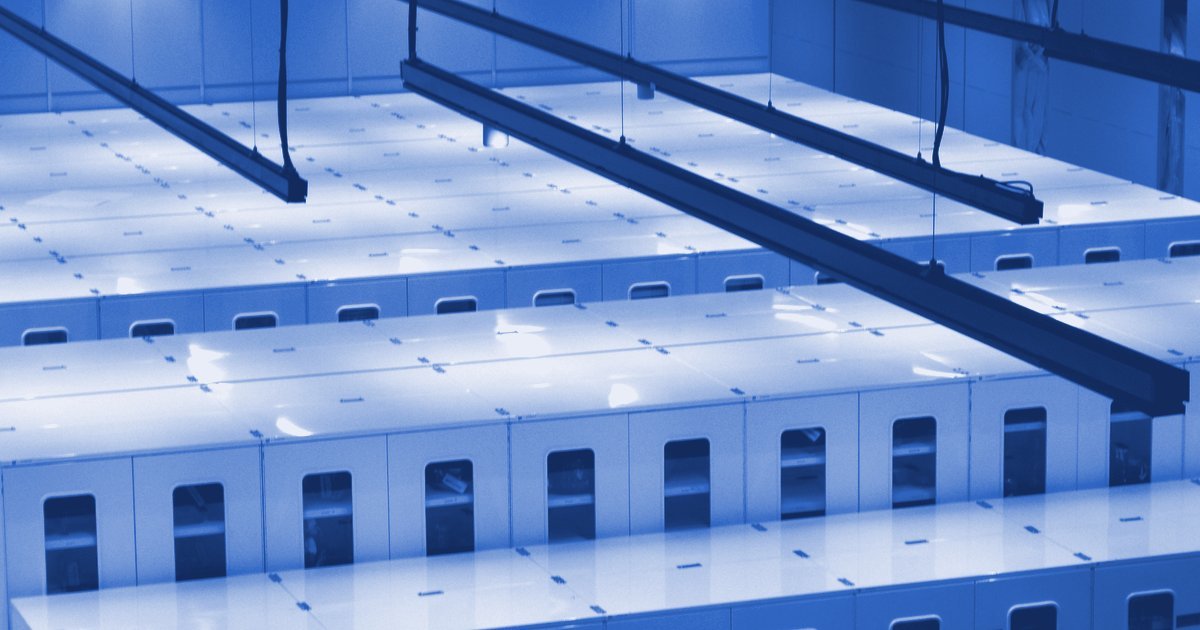

A data center is a facility that houses the servers, storage and network equipment a business uses to run its applications and keep its data. Email, websites, cloud storage and company software all run in one somewhere.
Most businesses never build their own. The real question is how much data center capacity you need, and whether to own it, rent it or use the cloud. This guide covers what a data center contains, what it does for a business, and how to decide.
What is inside a data center
- Servers, mounted in racks, that process and store information.
- Network equipment, such as switches and routers, that moves data inside the building and out to the internet.
- Storage systems, such as a storage area network (SAN), that hold data in one central place.
- Cooling, which keeps the equipment at a safe temperature.
- Backup power: uninterruptible power supplies (UPS) and generators that keep everything running through an outage.
Why storage matters
Storage is where the value sits. Good data center storage keeps data safe, easy to reach and protected against loss or corruption. It also grows with the business, from a few files to petabytes.
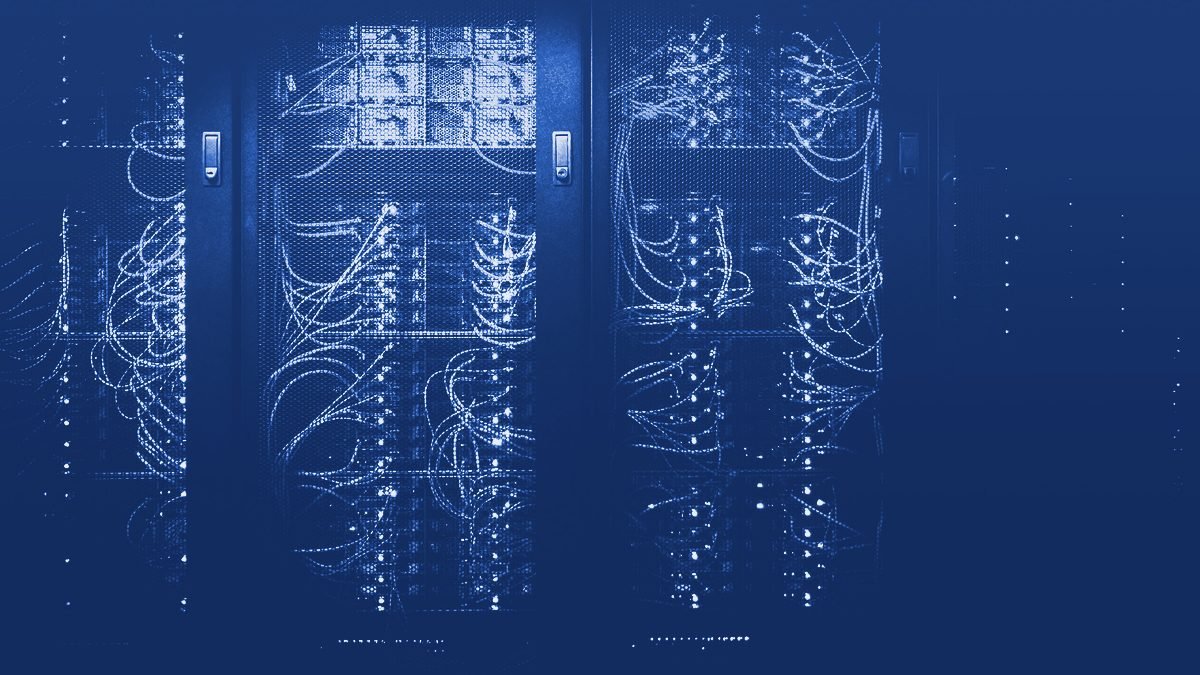
Modern storage systems handle three jobs that used to be separate: backup, disaster recovery and archiving. All three matter for staying in business after an incident and for meeting regulations.
How data centers are secured
Security has a physical side and a digital side.
Physical. Guards on site around the clock, cameras, and access controls such as fingerprint or retina scans, so only authorised people reach sensitive areas.
Digital. Firewalls block unauthorised access, intrusion detection systems flag suspicious activity, and regular audits find weaknesses. A newer practice, Data Security Posture Management (DSPM), continuously checks how well data is protected and whether the set-up still meets compliance rules.
Used together, these protect data from both break-ins and cyberattacks.
Room to grow
A data center lets a growing business add storage and computing power quickly, without buying equipment and waiting for it to be installed. It works in the other direction too: capacity can be reduced when demand drops.
That flexibility saves time and avoids large upfront spending and long commitments. It is also easier to plug in trusted IT support solutions for critical systems when the infrastructure is managed in one place.
Disaster recovery
By duplicating critical data and applications across data centers in different regions, a business builds in redundancy. If a natural disaster, a cyberattack or a major failure takes one site down, operations move to another with little interruption.
The result is less downtime and a much lower risk of losing data for good.
Does your business need one?
It depends on four things:
- Size. Small businesses usually do well with cloud services alone.
- Data volume. Heavy processing and storage needs make dedicated capacity worth considering.
- Regulation. Some industries require tight control over where and how data is held.
- Growth. Plan for the data you will have in three years, not the data you have today.
Compare what you need now and later with what each option costs. For a start-up that usually points to the cloud. For a large company with strict requirements it may mean dedicated data center services, owned or outsourced. Either way, the aim is the same: systems that stay reliable, secure and able to grow.