

Creating a business card sounds simple until you actually sit down to design one. Layout, typography, spacing, color palette, printing quality – just how do you make sure all of these work harmoniously together?
That is where Design.com comes in. Instead of starting from scratch, it gives you access to professionally designed templates that you will simply customize. Combined with a beginner-friendly editing tool and a wide range of graphics to beautify your layout, it promises to help you create a stunning card without all the (technical) hassle.
But does it actually deliver on all these promises? Can you actually create a great card? We discover all that as we test out the tool below.

What Is Design.com’s Business Card Maker?
With a 4.7 Trustpilot rating from over 3,000 reviews and a library that spans more than a million templates, Design.com positions itself as the #1 solution for fast, professional branding.
While Design.com is famous for its logo maker tool, its business card maker tool is another standout. Here you can browse through thousands of templates (all suitable for a wide range of industries), pick the one you like best, then edit the design inside their built-in editor.
You also have full control over the final look of your design, including:
- 750+ fonts, with over 525 exclusive options
- 62,000+ vector shapes and design elements
- Color controls, including gradients for a more modern look
- Layout adjustments and text effects like curved text
It is designed so beginners can get started quickly, while still giving enough flexibility for more refined customization.
Key Strengths of Design.com’s Business Card Maker
What makes Design.com’s business card maker better than other platforms? Some reasons are:
Great template quality across industries
What Design.com gets right is how its templates adapt to different types of businesses. The designs are not just varied for the sake of variety. Rather, they all feel intentional and on-brand.
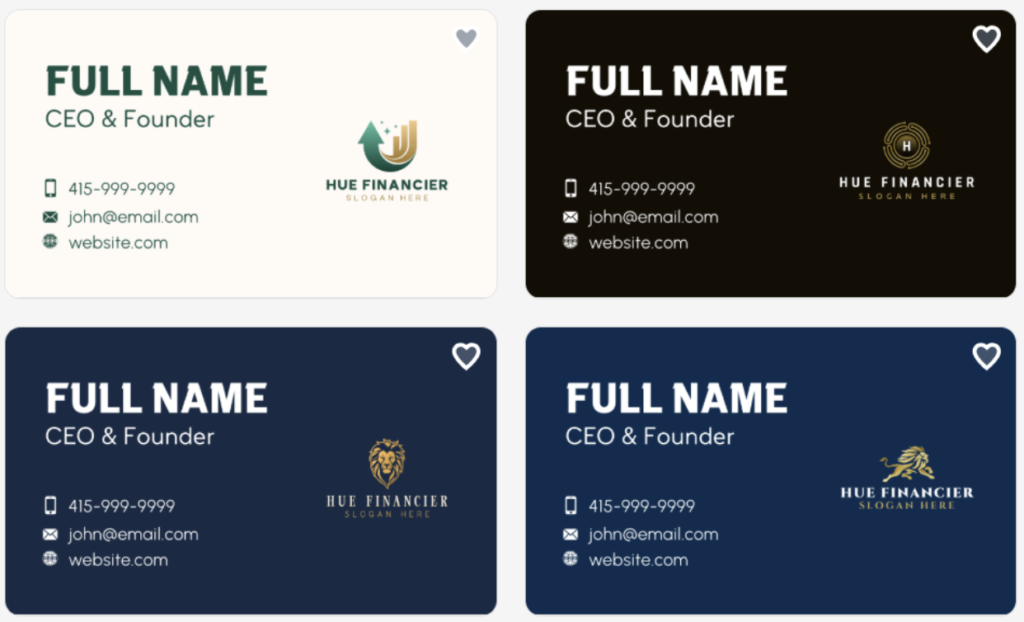
Let’s take a look at some samples. If you are in finance, consulting, or legal services, you will notice a consistent theme: clean layouts, minimalist designs, and muted color palettes. These cards feel trustworthy and polished, which is exactly what you want in more formal industries.
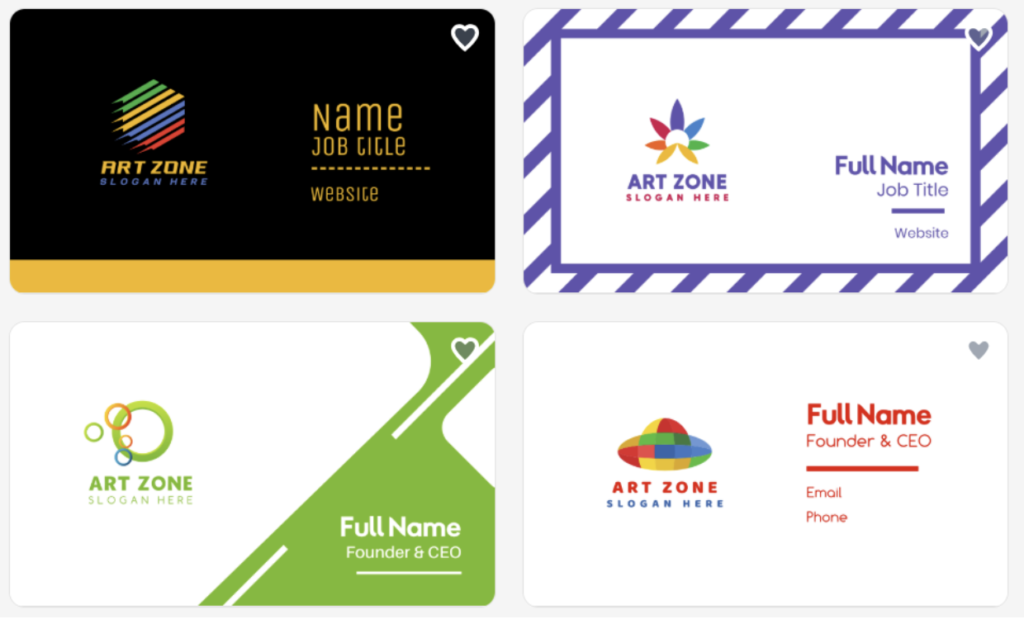
For designers, photographers, or creatives, the tone shifts. Templates become more expressive, with bold typography, layered visuals, and gradient elements. These designs give you more room to showcase personality without losing structure.
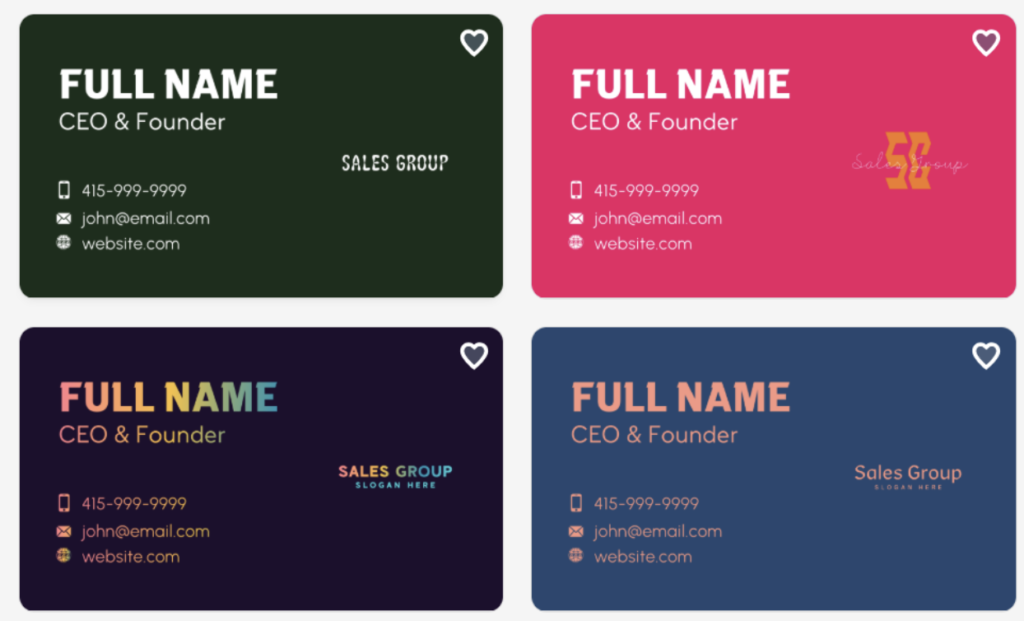
For marketers, sales, and networkers, practicality takes the lead. Contact details are easy to read and layouts are straightforward. However, the colors are a bit more vibrant without being overtly so to keep visual interest. These cards are built to be functional without being too basic.
Across all categories, the templates all follow strong design fundamentals. That means even if you don’t do heavy editing, you can still have great results.
Customization That Feels Natural
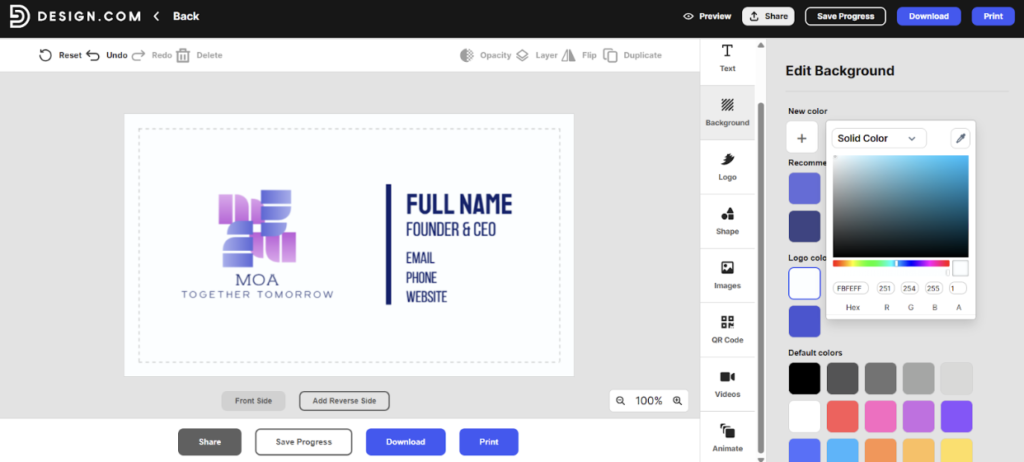
A lot of design tools either feel too limited or too complex. Design.com sits comfortably in between.
You can tweak almost every part of your card:
- Switch fonts
- Add text effects
- Adjust spacing between letters
- Change colors or apply gradients
- Move elements around freely
- Add shapes, icons, and illustrations
- Add animations
The best part is that you are not restricted by edit limits. You can experiment, create variations, and refine your design over time without worrying about extra costs.
Export + Printing Service
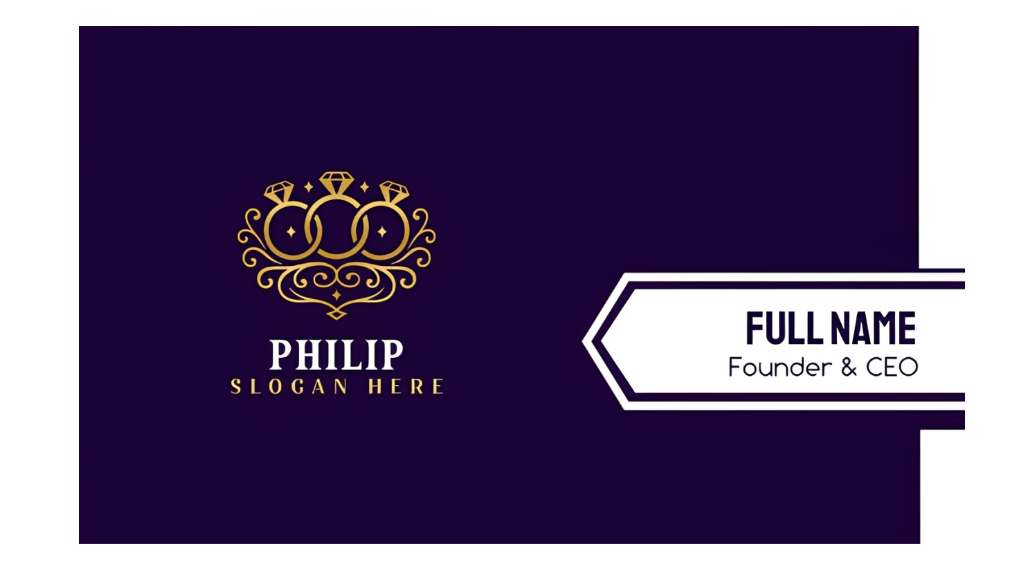
Once your design is ready, you can download your business card in:
- PNG
- JPG
- SVG
- EPS
No need to worry about manually formatting them or changing the settings, as Design.com gives you these files automatically. Having all these file formats are also a huge advantage, as you can easily use your card in either print or digital use.
If you prefer an all-in-one experience, Design.com also offers printing with customizable options:
- Quantities from 250 to 5,000
- Single or double-sided cards
- Square or rounded corners
- Matte or glossy finishes, including premium options
It’s very useful as you won’t have to worry about printing on your own or dealing with third-party print service. You can edit on the platform, then directly print. It’s a hassle-free experience!
Built-In Branding Tools
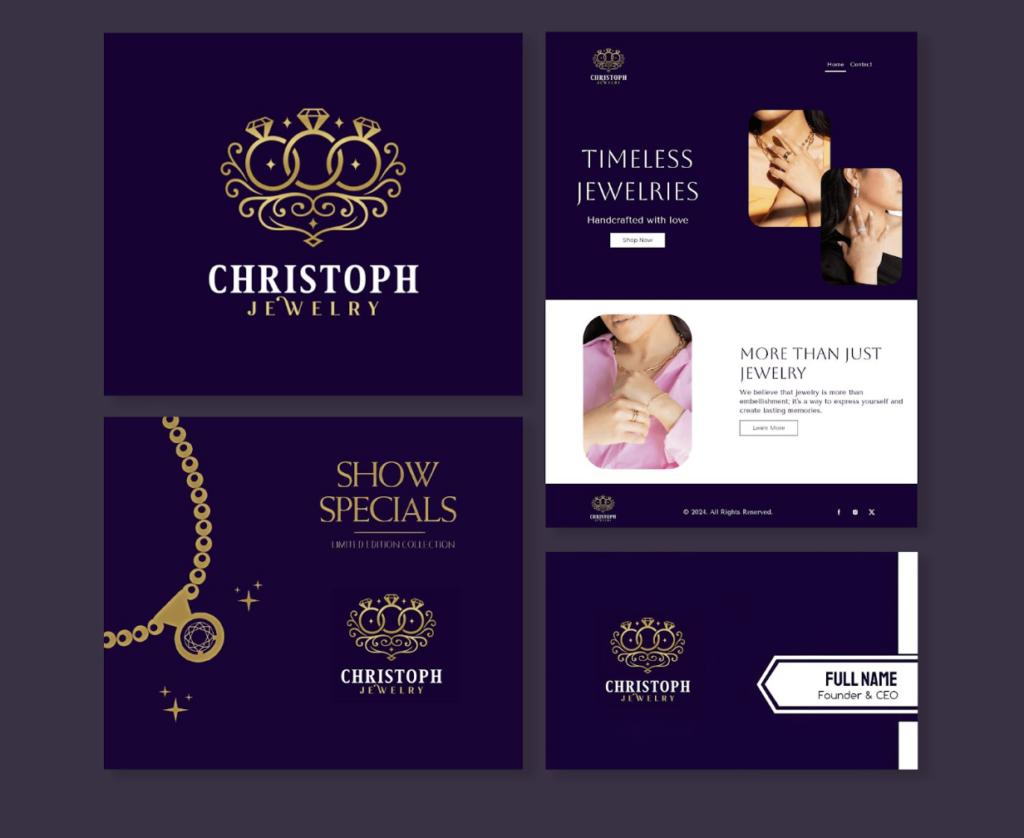
Design.com is not just limited to a single business card. It’s a full branding platform. Meaning, you can access templates for:
- Logos
- Websites
- Email signatures
- Social media posts, videos, and profile pictures
- Posters
- Flyers
- Presentations
- Link in Bio
- QR Codes
- Letterheads
- Menus
- …and many more!
Design.com also features a Brand Kit creator. Once you create or upload your logo to the site, the platform will automatically apply the styling across the templates. This is especially useful if you are building a brand from scratch and want a consistent look across different touchpoints.
And yes, this also applies to the business card maker. So if you want to instantly make cards that are cohesive with your brand identity, make sure to take advantage of this feature.
How to Use Design.com Business Card Maker (Step-by-Step)
Here’s a quick look at how to use the tool. You don’t have to worry as it is really easy to use, perfectly geared for beginners.
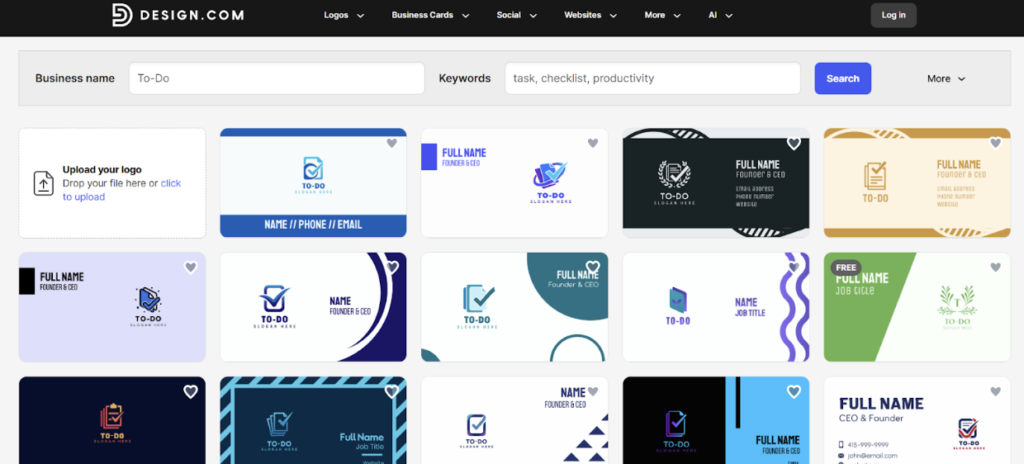
- Go to https://www.design.com/business-cards. Enter your business name. You can also click Business Cards on the top bar and search via style or industry.
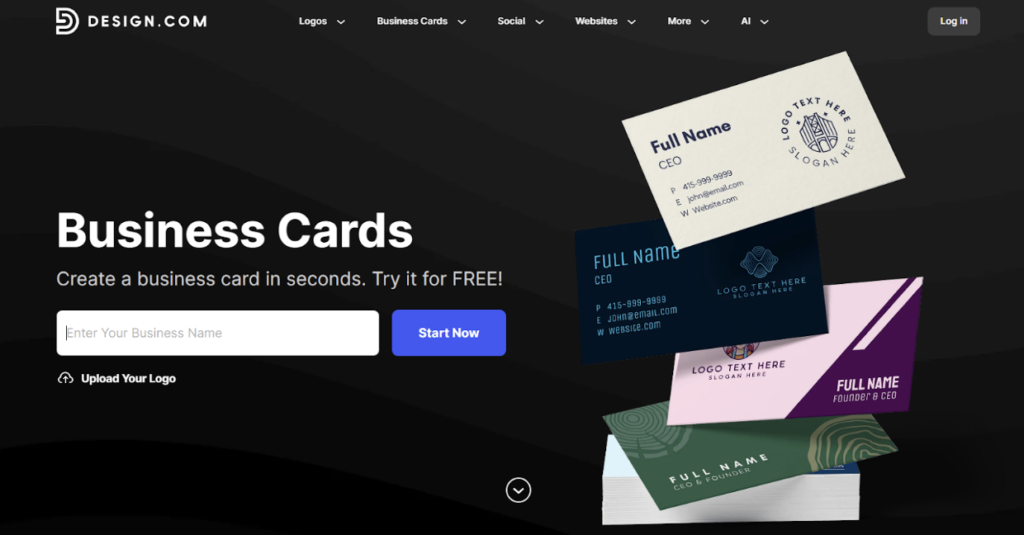
2. Choose a design that you like the most. You can change or add keywords, or filter the results.
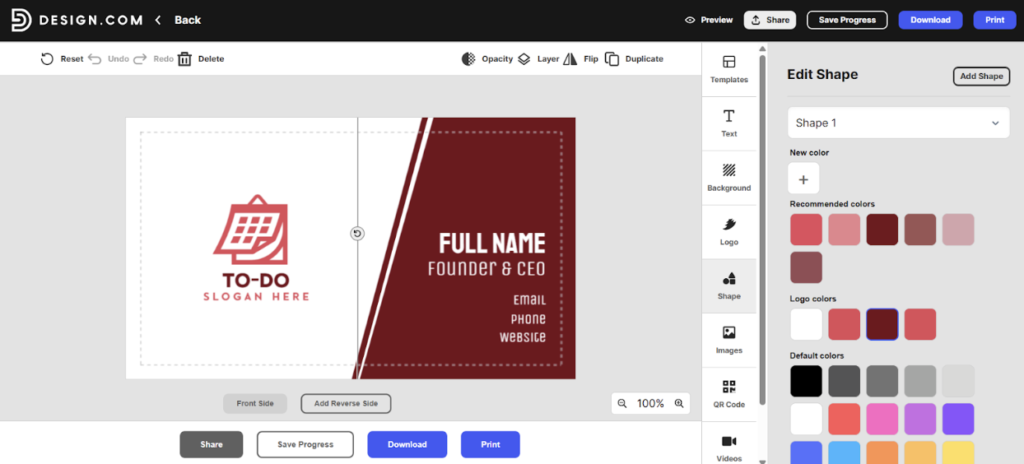
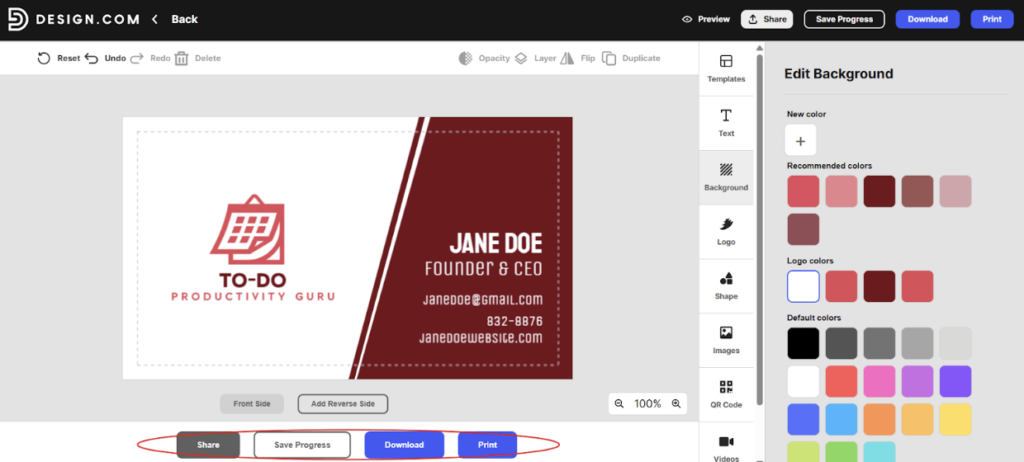
3. Open it in the editor. Here you can customize fonts, colors, layout, and shapes.
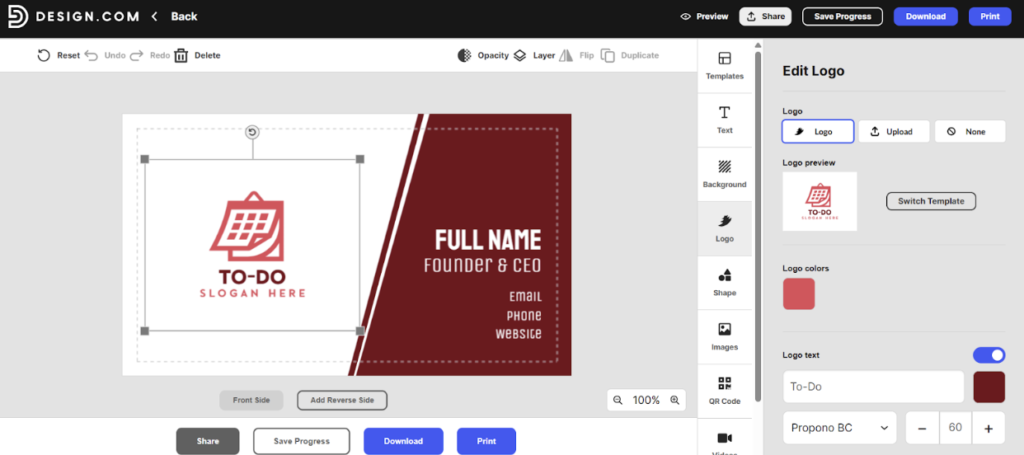
4. Add your logo (if you haven’t uploaded it yet).
5. Add your contact details plus slogan (if you have one).
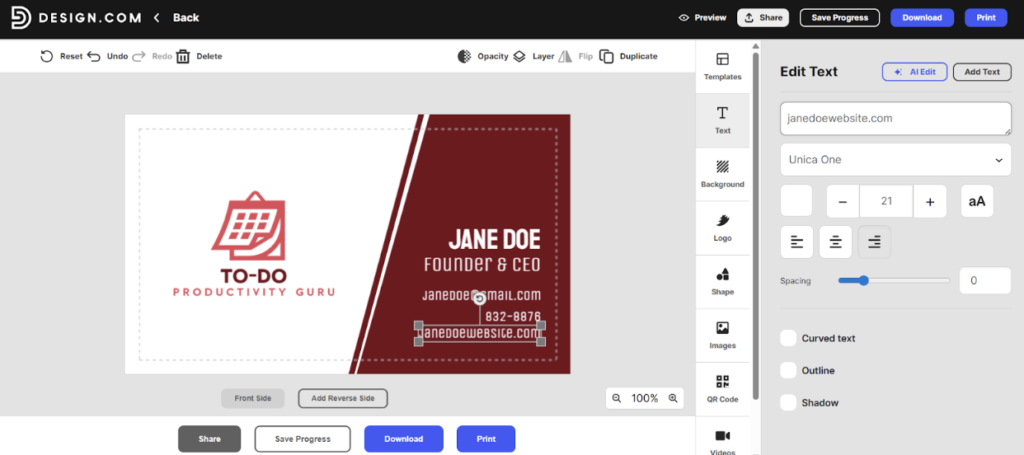
6. Done? Save your design, preview mockups, or download your file.
Design.com AI Business Card Generator
Alongside the regular business card tool, Design.com offers an AI-powered business card generator.
It’s really easy to use. You enter your business name along with a few keywords, and within seconds, you get thousands of options tailored to your input. It’s a huge jump compared to other AI tools that can only produce one or maximum a dozen per output.
And if the first set does not quite match your vision, you can refine your keywords and generate new variations. There is no cap or limit unlike other AI generators.
From there, the process continues just like the standard tool:
- Pick a design you like
- Customize it in the editor
- Add your details
- Preview it in realistic mockups
- Download or print
It is a great way to overcome creative blocks or quickly explore different styles before committing to a final design.
Design.com has also heavily invested into their AI, which is why the tool can produce relevant and stunning designs with no issue. What you’ll get are cards that are 100% tailored to your input and industry, rather than some generic mishmash of icons. It’s truly a great way to quickly create designs without sacrificing quality.
You can also access other AI tools in the platform, like AI logo generators, AI website builders, one click AI background removers, and many more.
Design.com Business Card Maker Pricing
Design.com keeps its pricing simple and flexible, depending on how you plan to use the platform:
| Plan | Price | Inclusions |
| Free | $0 | Free templates are available for download, 100% free with no watermarks |
| Premium Plan | $3/month (billed annually) | – Unlimited edits to your business card designs – High-resolution and vector downloads (SVG, EPS, PDF) – Access to 3,000+ business card templates and 50+ design tools – Cloud storage for your designs |
| Premium Plan + Website | $6/month (billed annually) | Everything in Premium Plan + website builder |
Design.com offers both free and premium templates. Free templates can be downloaded for free. But if you want the premium templates, you’ll need to pay a subscription from the ones listed above.
How about the printing costs? Printing is priced separately and will heavily depend on your customization choices, such as quantity, finish, and card format.
Conclusion
If you are looking for a straightforward way to create polished, print-ready business cards while keeping your branding consistent, Design.com offers a top-rated solution.
It does a lot of things right without making the process feel overwhelming. You get a huge library of templates to choose from, but you can easily sort them via style or industry to make the search easier.
Want to spice up your designs? You get a huge library of stunning fonts, shapes, and illustrations. But the editor is still very beginner-friendly so it’s not difficult to use. It perfectly balances quality with convenience, making it a 10/10 tool.