


Every paid media team has the same monthly ritual. The data is pulled, the insights are written, and then someone spends an afternoon making the report deck look like it came from the same agency as last month’s. AI redesign tools can take that afternoon away. They can also quietly remove the chart your client asked about, which is a much worse trade.
Short answer: AI keeps most of your text, charts are the risk
A side-by-side test on September 30, 2026 ran the same 12-slide quarterly report, with two data tables and one native chart, through seven AI redesign tools. Four tools kept 97–98% of the text word for word. Microsoft Copilot in PowerPoint kept about 22%, rewriting paragraphs into short summaries. On charts, two tools removed the chart, one converted it into a table, and one kept it editable but dropped the value labels. The method and the full comparison are in Wonderslide’s side-by-side test of AI redesign tools.
For a reporting deck, those are not cosmetic differences. A ROAS chart without labels is a chart the client cannot read. A CPA table turned into prose is a table nobody can check against the dashboard.
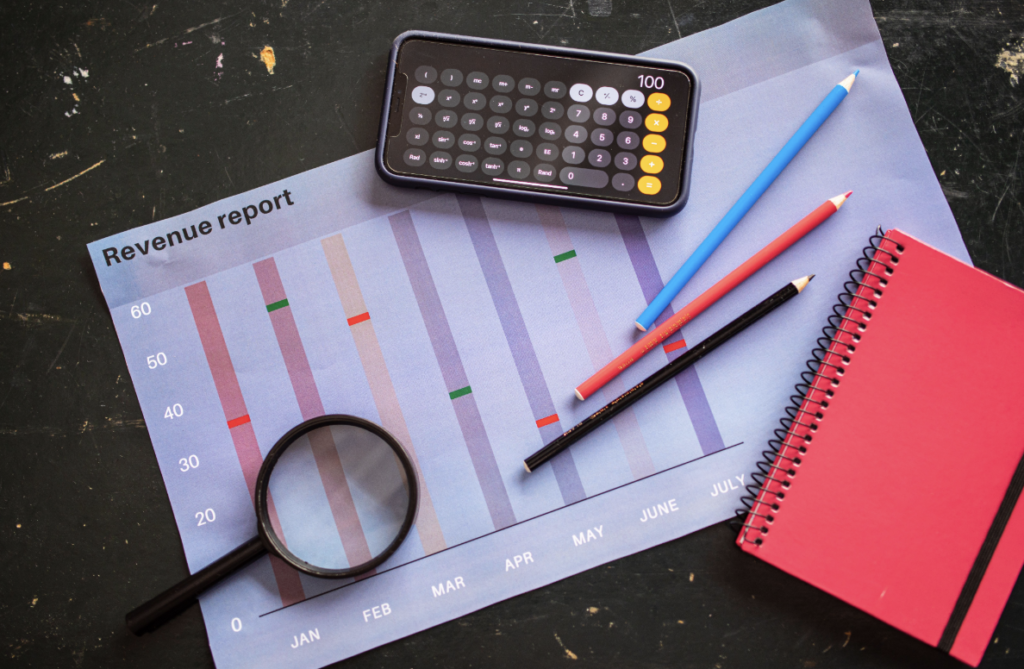
Why reporting decks are the hardest case for AI redesign
Marketing reports are dense by design: tables of spend, conversions and cost per result, trend charts, a few annotated screenshots of ads, and a page of recommendations. That mix is exactly where the September test found the most variation between tools:
- Tables survive in some tools and disappear in others.
- Native charts may be kept, flattened into a table, or replaced by a line of text.
- Text-heavy slides are where rewriting tools cut the most, which is usually the insights page.
- Images such as ad screenshots can be swapped for stock photos or pushed off the slide edge.
A sales deck can afford a little creative interpretation. A client report cannot.
A review workflow that takes ten minutes
- Redesign a copy, never the source. Keep the original file as the single source of truth for numbers.
- Check every chart against the dashboard. Same values, same labels, still editable. If the tool flattened it, paste the original chart back.
- Compare word counts on the insights slide. If your three recommendations became one sentence, the tool rewrote them. Restore the original text.
- Read footers and slide titles. One tool in the test changed the deck title in the footer and garbled a header character, exactly the kind of error clients screenshot.
- Confirm the export format. Account managers need an editable PPTX to fix a number at 9 a.m. before the call. Some tools give a PDF on free plans; one allows downloads only on a paid subscription.
Restyle for monthly reports, rebuild for QBRs
The test separated tools into three behaviours. Restyle tools change fonts and colors and leave layouts alone. Rebuild tools create new layouts from templates and turn bullets into visual blocks. Rewrite tools change the words. For a routine monthly report, a restyle is usually enough and the safest. For a quarterly business review, where the deck is also a sales document for the next quarter’s budget, a rebuild can be worth the extra review time. Rewriting is best kept for drafting, not for numbers the client will hold you to.
Time and cost
All seven tools in the test returned a result within about two minutes, the fastest in 17 seconds. Most are sold as subscriptions; at list prices checked on September 30, 2026, plans ran from about $6 to $45 per month. Only one tool, Wonderslide, sold a single editable PPTX without a subscription, for $4.99. For an agency producing dozens of decks a month, a subscription is the obvious choice. For a freelancer with a handful of clients, per-deck pricing can be simpler.
What the test does not tell you
- It covered one 12-slide report deck; your template, fonts and brand rules may behave differently.
- Prices and limits change frequently. Check them on the day you decide.
- Visual quality was described rather than scored by a panel of reviewers.
Bottom line
AI redesign is ready to take over the formatting part of client reporting. It is not ready to be trusted with the numbers unsupervised. Let the tool make the deck consistent in two minutes, then spend ten minutes making sure every chart, table and recommendation still says what your data says.